
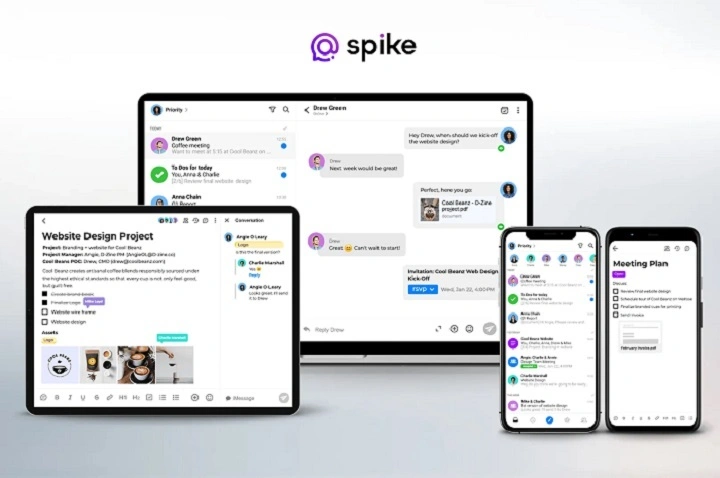
Managing emails efficiently requires a reliable and feature-rich email app. Whether you’re a student, professional, or business owner, choosing the best email app can improve productivity and organization. Here’s a list of the top email apps currently available.
1. Microsoft Outlook
Key Features:
- Supports multiple accounts (IMAP, POP3, Exchange)
- Built-in calendar and task manager
- Focused Inbox to prioritize important emails
- Integrates with Microsoft Office apps
Best For: Professionals and Office 365 users
2. Gmail App
Key Features:
- Clean, user-friendly interface
- Google Workspace integration
- Powerful spam filtering
- Supports multiple accounts, including non-Gmail addresses
Best For: Google users and general email management
3. Apple Mail
Key Features:
- Native app on iOS and macOS devices
- Simple, clutter-free design
- Supports multiple email providers
- Strong privacy and security features
Best For: Apple ecosystem users
4. Spark
Key Features:
- Smart Inbox feature to prioritize emails
- Collaboration tools for team members
- Customizable email templates
- Integrates with apps like Trello, Slack, and Dropbox
Best For: Teams and users looking for collaboration tools
5. ProtonMail
Key Features:
- End-to-end encryption for enhanced security
- No personal data required for sign-up
- Open-source platform
- Available on web, Android, and iOS
Best For: Privacy-conscious users
6. BlueMail
Key Features:
- Supports unlimited accounts
- Unified inbox for multiple providers
- Integrated calendar and task manager
- Customizable swipe actions
Best For: Users managing several email accounts
7. Zoho Mail
Key Features:
- Ad-free, clean interface
- Integration with Zoho’s productivity suite
- Secure and encrypted communication
- Custom domain hosting for businesses
Best For: Small businesses and Zoho users
FAQs About Best Email Apps
Which is the best free email app? Gmail, Apple Mail, and Outlook offer excellent free options with robust features.
What email app is best for privacy? Proton Mail is renowned for its focus on security and privacy with end-to-end encryption.
Can I manage multiple accounts on one email app? Yes, apps like Outlook, BlueMail, and Spark support multiple accounts and unified inboxes.
Is there an email app with team collaboration features? Spark offers collaboration tools like shared drafts and team comments.
Which email app is best for businesses? Zoho Mail and Outlook are ideal for businesses due to integration with productivity suites and custom domain support.
Choosing the best email app depends on your specific needs, whether it’s integration capabilities, privacy, multiple account management, or team collaboration. Evaluate the features of each app to find the one that fits your workflow.
