
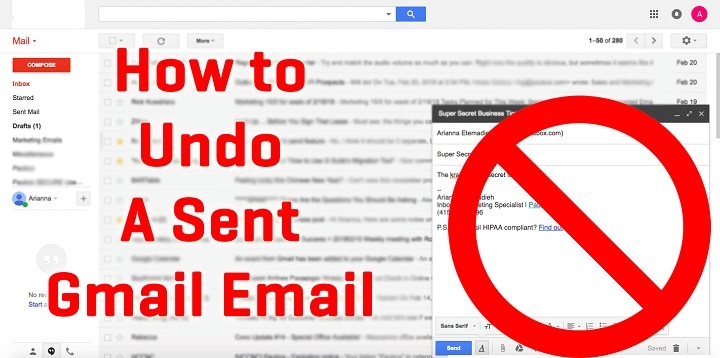
Accidentally hit “Send” too soon in Gmail? Luckily, Gmail offers an easy way to unsend emails within a short window. Here’s how you can use this feature effectively.
How the Gmail Undo Send Feature Works
Gmail’s Undo Send feature allows you to cancel the delivery of an email shortly after sending. By default, Gmail offers a time window of 5, 10, 20, or 30 seconds to undo sending.
How to Unsend an Email in Gmail (Desktop)

Compose and Send Email
Write your email and click Send.
Click Undo
Immediately after sending, look at the bottom left corner of the screen. Click Undo when the Message sent notification appears.
The email will be retracted, and Gmail will reopen the message draft for editing or deletion.
How to Adjust Undo Send Time Window
- Click the gear icon → See all settings.
- Under the General tab, find Undo Send.
- Choose a cancellation period: 5, 10, 20, or 30 seconds.
- Scroll down and click Save Changes.
How to Unsend an Email in Gmail (Mobile App)
- Send your email.
- Immediately after, a Sent notification appears at the bottom.
- Tap Undo before the notification disappears.
Limitations of Gmail Unsend Feature
- Time-Limited: Once the set time window passes, the email cannot be unsent.
- No Recall for Read Emails: Unlike Outlook, Gmail’s feature works by delaying the actual sending rather than retracting already delivered emails.
Tips to Avoid Email Mistakes
- Double-check recipients and attachments.
- Use Gmail’s delay feature for a longer unsend period.
- Draft and review emails carefully before hitting send.
FAQs About Unsend Email in Gmail
Can I unsend an email after it’s been opened?
No, once the time window expires or the recipient opens the email, you can’t unsend it.
Can I set a longer unsend time period beyond 30 seconds?
No, Gmail currently limits the undo period to a maximum of 30 seconds.
Does Gmail notify recipients if I unsend an email?
No, the email is canceled before delivery, so recipients aren’t notified.
Can I unsend emails on all devices?
Yes, the feature works on both desktop and mobile apps.
Will unsending an email delete it from the recipient’s inbox?
No, the email is canceled before it reaches the recipient’s inbox.
Gmail’s Undo Send feature offers a valuable safety net for email mishaps. By enabling and adjusting the undo time, you can prevent unwanted messages from reaching recipients and maintain clear, error-free communication.
