
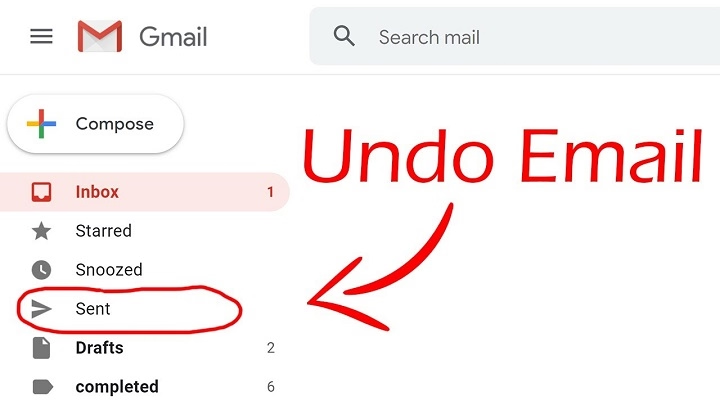
Have you ever hit “Send” in Gmail and immediately regretted it? Thankfully, Gmail offers a feature that allows you to recall an email shortly after sending it. Here’s everything you need to know about how it works.
Can You Recall an Email in Gmail?
While Gmail doesn’t have a traditional recall feature like Outlook, it does provide the Undo Send option. This feature allows you to cancel the sending of an email within a few seconds after hitting “Send.”
How to Enable Undo Send in Gmail
- Open Gmail and click the gear icon (⚙️) in the top-right corner.
- Select See all settings.
- Under the General tab, find Undo Send.
- Set the cancellation period to your preferred time (5, 10, 20, or 30 seconds).
- Scroll down and click Save Changes.
How to Recall an Email in Gmail
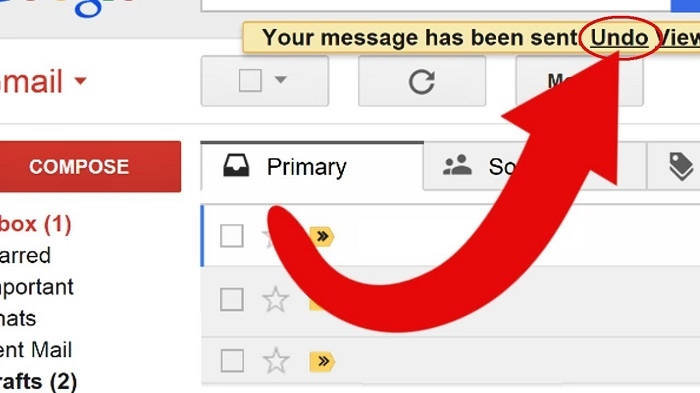
- After sending an email, look at the bottom-left corner of your Gmail screen.
- You will see the message “Message sent” along with an Undo option.
- Click Undo within the set cancellation period.
- The email will be recalled, and you can edit or delete it.
Limitations of Gmail’s Undo Send Feature
- Time-Restricted: You can only recall the email within the set time frame (up to 30 seconds).
- Not a True Recall: Unlike Outlook, the email is held temporarily before sending rather than being retrieved from the recipient’s inbox.
Alternatives to Undo Send
- Double-Check Before Sending: Review emails carefully before clicking “Send.”
- Draft Emails First: Save drafts and revisit them after some time to ensure accuracy.
- Use Scheduled Send: Delay sending an email to review later. Click the dropdown arrow next to “Send” and select Schedule send.
FAQs About Recalling Gmail Emails
Can I recall an email after the Undo Send period?
No, once the time frame lapses, the email cannot be recalled.
What is the maximum undo time in Gmail?
The maximum period is 30 seconds.
Is Undo Send available on mobile apps?
Yes, the Undo Send feature is available on both Android and iOS Gmail apps.
Can I retrieve an email after it has been delivered?
No, Gmail does not offer a recall feature once the email reaches the recipient’s inbox.
How can I avoid email mistakes?
Use Gmail’s built-in grammar and spell-check tools, and enable Scheduled Send for an additional review period.
While Gmail doesn’t offer a traditional email recall feature, its Undo Send option provides a valuable safety net for canceling sent emails within seconds. Enabling and using this feature ensures you have a brief window to correct any mistakes before your message is delivered.
