
Experiencing issues with your Comcast email? Whether it’s problems with logging in, sending, or receiving emails, we’ve compiled common causes and solutions to help you get your Comcast email back on track.
Common Comcast Email Issues & Solutions
| Issue | Solution |
| Can’t log in | Double-check your username and password; reset password if needed via xfinity.com/password |
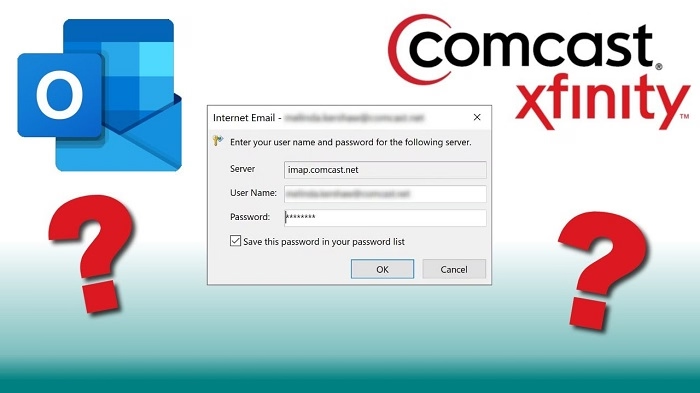
| Emails not sending | Verify SMTP settings; ensure outgoing server is smtp.comcast.net with port 587 |
| Not receiving emails | Check spam/junk folder and email filters; clear inbox if storage is full |
| Comcast email not syncing on devices | Ensure IMAP settings are correct; use imap.comcast.net with port 993 |
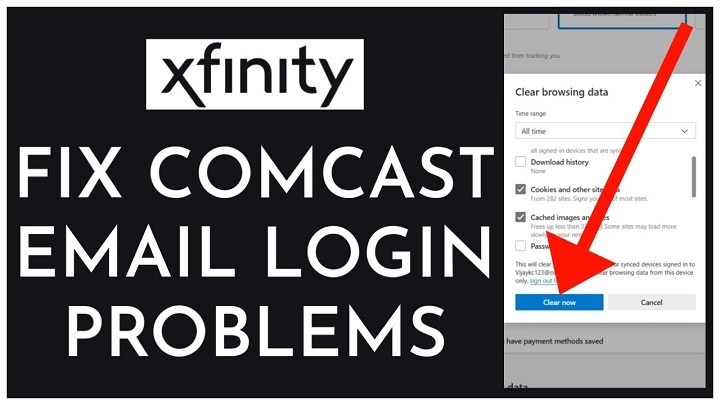
| Error messages or account lock | Clear browser cache, update the Xfinity app, or contact Comcast support |
How to Access Comcast Email
- Through Webmail:
- Visit https://connect.xfinity.com
- Log in with your Comcast/Xfinity credentials
- Through Email Clients:
- Incoming Mail (IMAP): imap.comcast.net | Port: 993 (SSL)
- Outgoing Mail (SMTP): smtp.comcast.net | Port: 587 (SSL/TLS)
Tips to Prevent Comcast Email Issues
- Regular Password Updates: Change your password periodically to ensure account security.
- Clear Browser Cache: Prevents loading and login issues.
- Update Email App: Always use the latest version of your email client or the Xfinity app.
- Monitor Email Storage: Keep your inbox clean to avoid full mailbox errors.
- Check Server Status: Occasionally, Comcast/Xfinity servers may experience downtime.
FAQs About Comcast Email Issues
Why can’t I log in to my Comcast email?
Ensure you’re using the correct credentials and check for any service outages. Reset your password if necessary.
How do I fix Comcast email not sending emails?
Check SMTP settings and ensure you’re using port 587 with SSL/TLS encryption.
What should I do if my emails are going to spam? Review and adjust your spam filter settings and whitelist trusted email addresses.
How do I reset my Comcast email password?
Visit https://www.xfinity.com/password and follow the instructions.
Can I access Comcast email on my phone?
Yes, configure your email app with IMAP/SMTP settings to sync your Comcast email.
If your Comcast email is not working, following the troubleshooting steps outlined above should resolve most issues. Regular maintenance and monitoring of your settings will help ensure smooth email performance. For persistent issues, contacting Comcast’s customer support is recommended.
