Sometimes you need to remove an email address from Gmail — maybe it’s an old account you no longer use, a school account that expired, a work account from a
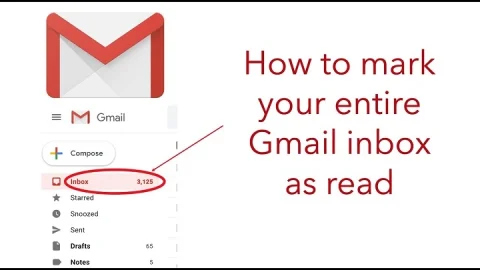
Unread emails can make your Gmail feel overwhelming. The bold subject lines, the unread counts — it can feel like clutter even when it’s just notifications or newsletters you’ve already
You sit down and log in to Gmail, and your sidebar is cluttered — folders everywhere. Holiday planning folder, receipts, miscellaneous labels that you're not even really positive how you
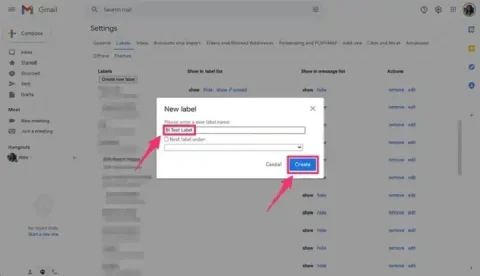
Gmail. It has tons of features and will have you emailing like a pro. Its best feature, however, is its labels feature. Labels allow you to label and sort emails
Your inbox fills up quickly in Gmail promos, newsletters, and social emails from sites such as Facebook, Instagram, X (Twitter), LinkedIn, and YouTube. The notifications are helpful initially but build
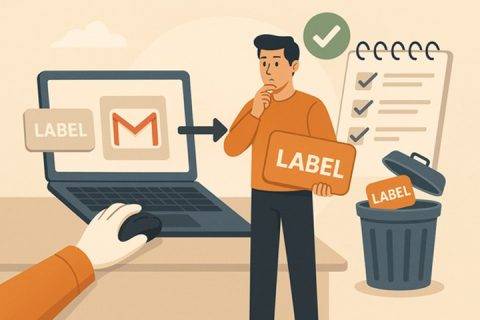
Labels in Gmail are powerful for organizing emails. But over time, they can pile up. Maybe you’ve created too many while sorting projects or experimenting with filters. Now your sidebar
You switch on your machine, open your Gmail and you've got a hundred mails. Personal details, bills, work files, news and newsletters—all stacked up. It doesn't look so organized, right?
Ever wished to send the same thing to multiple people—instantly, without showing their individual email addresses? That's where Gmail's blind copy (Bcc) is helpful. It's the simplest approach to be
We've all done it — you hit send too fast. Perhaps it went to the wrong recipient, had the incorrect subject-line, or the incorrect document. Your heart drops, wishing that
Your inbox is a mess a hundred emails, receipts, newsletters, and random emails all jumbled together in a mess. So what's the solution? Filters. Gmail filters are your buddies. They